My Trading Card Shop Getting Started Guide
Launch your Roblox card shop the smart way — from tutorial to Level 2 codes and full shelves.
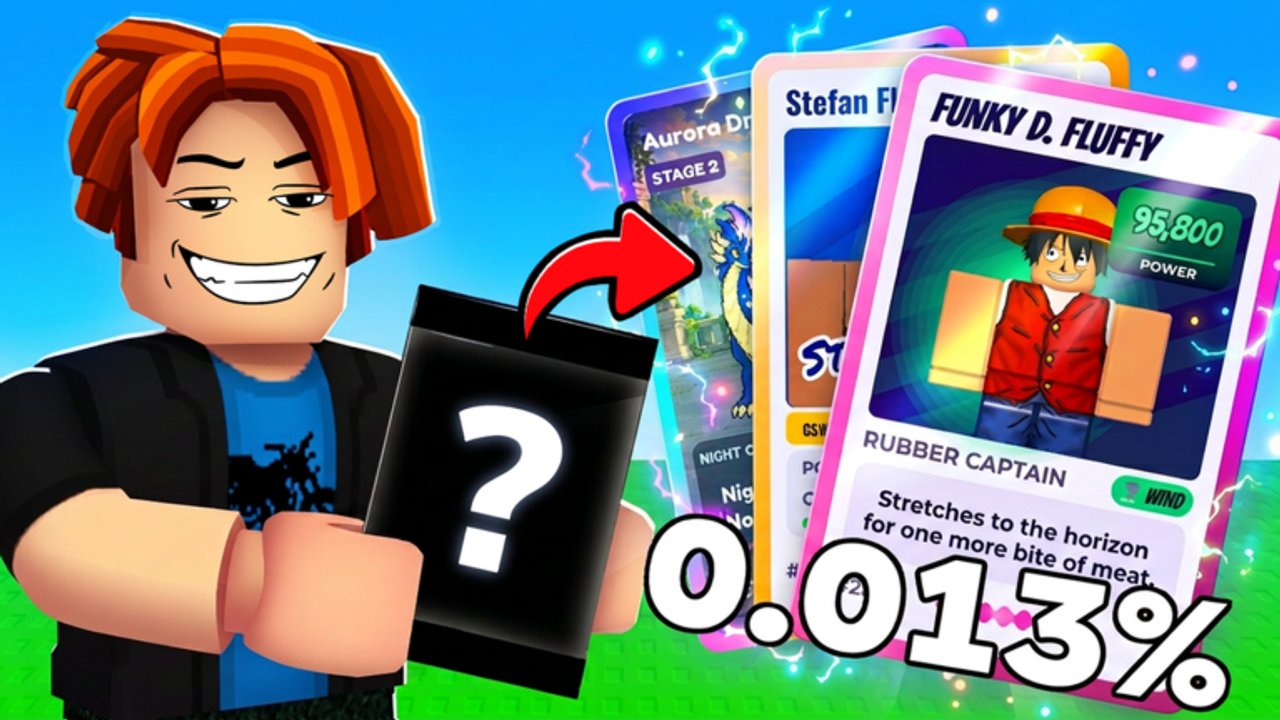
My Trading Card Shop! is a Roblox simulation / tycoon experience by blainemcdonalds2 where you open packs, collect cards and figurines, stock a store, set prices, and grow into a decorated retail destination. The place is still in BETA, yet it already passed 3.4M+ visits with tens of thousands of favorites — perfect timing to learn the loop cleanly before habits get expensive.
This beginner guide walks your first sessions end to end. For pack rankings see the Tier List Hub; for profit levers open Make Money; for ripping technique use Pack Opening; for prestige cards read Card Grading; for payroll timing see Hire Staff; for floor growth see Shop Expansion; for the sales boost see Friends & Co-op. Active gifts live on the Codes Hub.
What you are trying to do
The core loop is simple to say and rich to master:
- Open packs across themes (Anime, Soccer/Football, American Football, Basketball, Baseball, Hockey, Criti’mon, Brainrot, and more).
- Collect toward 8,000+ different cards and figurines while filling your album.
- Stock shelves with products customers want.
- Set prices that clear inventory without leaving money on the table.
- Ring up shoppers (and eventually staff the floor).
- Expand space, add décor, grade best hits, trade duplicates, and climb leaderboards.
Friends matter early: playing with friends grants about 10% extra cash on sales. Duo up when you can.
First launch checklist
- Join from the official Roblox page and finish any tutorial prompts so basic controls and shop UI unlock.
- Look around your starter floor — note empty shelves, the checkout area, and where packs or inventory live in the BETA UI.
- Claim daily rewards immediately. Missing dailies is free progress left behind.
- Make a few early sales with starter stock so XP and cash move.
- Push to Level 2 as fast as practical — codes will not redeem before that threshold.
- Open Settings (cog, top-right) and redeem every active code from the Codes Hub.
- Open Signature / Hot / Holo rewards with intent (see pack opening), then restock shelves before wandering into décor catalogs.
Reaching Level 2 for codes
Codes are one of the strongest early accelerators in this game. Active November 2026 examples include 1KDC, 2million, BETA, DC2026, and the 3million thank-you gift referenced on the official game description. All require Level 2 and exact capitalization.
Practical Level 2 tips:
- Keep shelves non-empty so customers always have something to buy.
- Stay near checkout during the first rush; lost queues mean lost XP.
- Avoid spending starter cash on pure cosmetics until codes are claimed.
- If a code fails, confirm Level 2, spelling, and that the code is still listed as active —
1MILLIONis already expired.
Remember: packs from DC2026 boxes are open-only, not sealed retail. Rip them for collection value.
Stocking your first shelves
Think like a retailer, not only a collector. Your album wants rare hits; your cash register wants reliable movers.
- Place recognizable Anime and major sports cards where players walk first.
- Keep a little novelty (Brainrot or similar) for impulse browsers without letting it dominate.
- Refill the moment a facing goes empty — empty wood sells nothing.
- Use duplicates as retail fuel; protect true chase pulls for grading or trades.
When unsure what deserves premium treatment, cross-check the tier list. Pricing deep-dives belong in Make Money.
Opening packs without going broke
Early packs from codes should usually be opened. They seed the album and create the first “wow” shelf pieces. After that, balance ripping with restock needs:
- Open premium tiers when album gaps hurt or you need grade candidates.
- Convert obvious bulk into priced shelf stock.
- Do not open every standard pack the second cash arrives if expansion is one upgrade away.
Details and theme notes: Pack Opening.
Customers, friends, and daily rhythm
Each session, run this short rhythm:
- Daily reward.
- Codes check (after Level 2).
- Restock + quick price pass.
- Invite a friend for the 10% sales boost.
- Open a planned pack bundle.
- Grade only if you already understand fees — otherwise wait for the grading guide.
- Expand when shelves stay full and cash is idle.
If the floor feels chaotic, slow down. BETA UI changes can move buttons; patience beats rage-rejoining every minute. Persistent bugs can go to the in-game Feedback Mailbox — see Updates.
Trading and long-term goals
Once duplicates pile up, trading with other players speeds album completion more than blind ripping. Read Players before offering your only graded gem for random bulk. Leaderboards are a late carrot; early shops should obsess over cash flow and collection coverage first.
Automation scripts exist, but they can risk bans and break after patches. Learn the manual loop thoroughly; if you still research tools later, read the Scripts Hub safety section first.
Common beginner mistakes
- Ignoring Level 2 and wondering why codes fail.
- Selling or ignoring open-only promo packs from boxes.
- Decorating a barren shop instead of restocking.
- Pricing every card the same.
- Grading junk cards and draining cash.
- Playing solo forever and missing the friend sales bonus.
- Chasing scripts before understanding shelves and prices.
Where to go next
- Guides Hub — full tutorial index.
- Make Money — turn foot traffic into expansion cash.
- Hire Staff — cashiers and restockers once shelves stay full.
- Shop Expansion — grow floor space when capacity is the bottleneck.
- Friends & Co-op — 10% sales cash bonus on 6-player servers.
- Tier List — pack and priority rankings.
- Codes — live redeem list and video.
- Wiki overview — big-picture pitch of the game.
Master this getting-started path and your BETA shop will feel intentional by hour two: codes claimed, shelves alive, album started, and a clear plan for packs, grades, and trades.
Frequently Asked Questions
Quick answers to the most common questions.
What should I do first in My Trading Card Shop?
Finish the tutorial, claim daily rewards, push to Level 2, redeem codes, restock shelves, then open premium packs from gifts.
Why can't I redeem codes yet?
Codes require Level 2. Make early sales with stocked shelves and checkout attention, then open Settings → Enter a code.
Do friends really give more cash?
Yes — playing with friends grants about 10% extra cash on sales. Duo sessions are one of the best early multipliers.
Should beginners grade cards immediately?
Not usually. Learn stocking and pricing first, then grade standout pulls using the Card Grading guide so fees are not wasted.
Is the game finished?
No — it is in BETA / active development. Expect UI and content changes; follow the Updates hub and use the Feedback Mailbox for bugs.